Personal Relationship Management
Similar to Monica, Breadcrumbs can be used to manage personal relationships. Vanilla Obsidian can easily handle alot of the functionality of a personal CRM, but Breadcrumbs is particularly helpful when it comes to noting relationships between people, and inferring more complex relations from those.
Using just a handful of simple, manual relations, we can automatically build complex networks of personal connections. For example, in a basic setup starting with the note [[Myself]]:
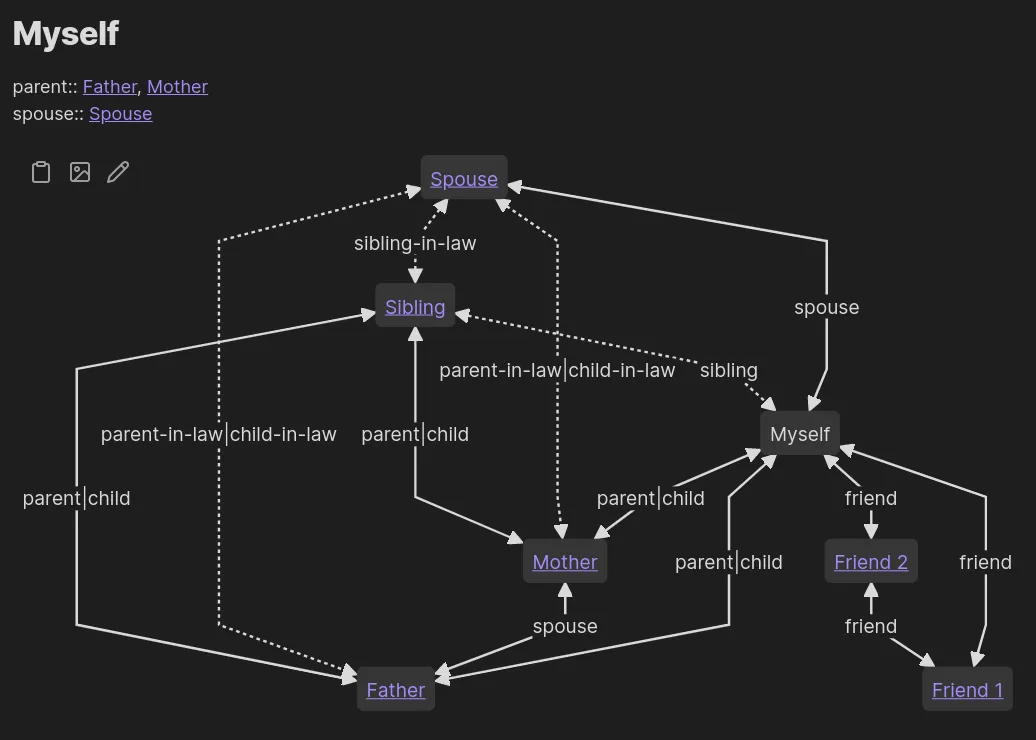
1. Edge Fields
Section titled “1. Edge Fields”We’ll start off with some basic, immediate relationships. Add these under your Edge Fields in Settings > Edge Fields:
parentsiblingchildspousefriend
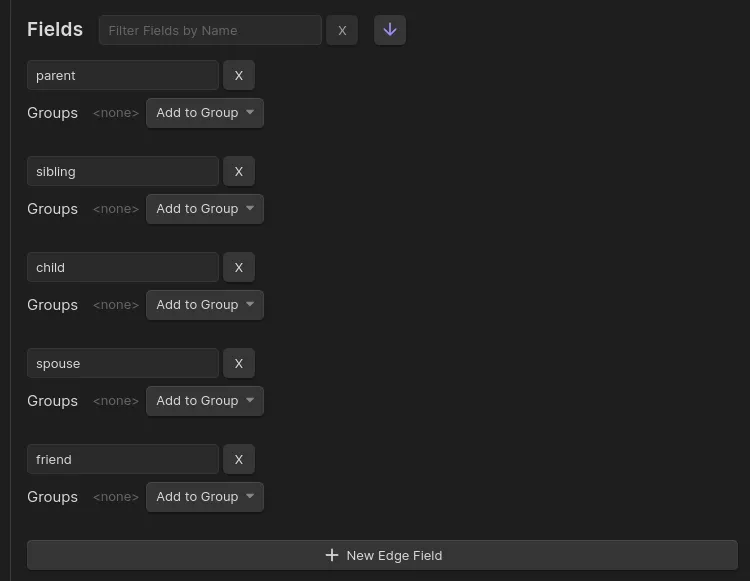
2. Add Some Typed-links
Section titled “2. Add Some Typed-links”Next, add some notes for different people, and link them up using these new fields. For example, in the note about yourself, you can add the following (using the typed-link edge builder):
Me.md
---parent: "[[Father]]"---
<!-- Dataview inline fields work, too -->
parent:: [[Mother]]
Rebuild the graph, check the Matrix View, and confirm that the note points to your parents.
3. Implied Relationships
Section titled “3. Implied Relationships”Using the Implied Edge Builders, we can craft custom relationships for Breadcrumbs to add automatically, based on the simpler ones added previously. For example, we could add the following:
[parent] <- child: You are your parent’s child
-_--child.C-_iJkmH_2dyAcR.webp)
[parent, child] -> sibling: Your parent’s other children are your siblings
--_-sibling.BnFYI2KB_21UhdY.webp)
[spouse, sibling] -> sibling-in-law: Your spouse’s sibling is your sibling-in-law
--_-sibling-in-law.Bi4-vS7p_2cDsBy.webp)
After adding some implied relations, rebuild the graph, and check the Matrix View again. You should see some extra relationships filled in, without you having to explicitly define them!
4. Visualising
Section titled “4. Visualising”After you’ve expanded your people-graph, you can visualise it using a mermaid codeblock. The following shows all relationships from the perspective of the current note (⚠️ resulting in a potentially huge graph):
type: mermaidmerge-fields: trueshow-attributes: [field]Extras/Advanced Usage
Section titled “Extras/Advanced Usage”More Fields
Section titled “More Fields”You can model many other types of relationships, for example:
- Work relationships:
manager,manages,colleague - School relationships:
teacher,student,class-mate