Field Groups
Field Groups are simply a convenience to work with multiple edge fields at once.
In Settings > Edge Fields, you can create new groups and add fields to them. Scroll down past your Edge Fields to see the list of groups.
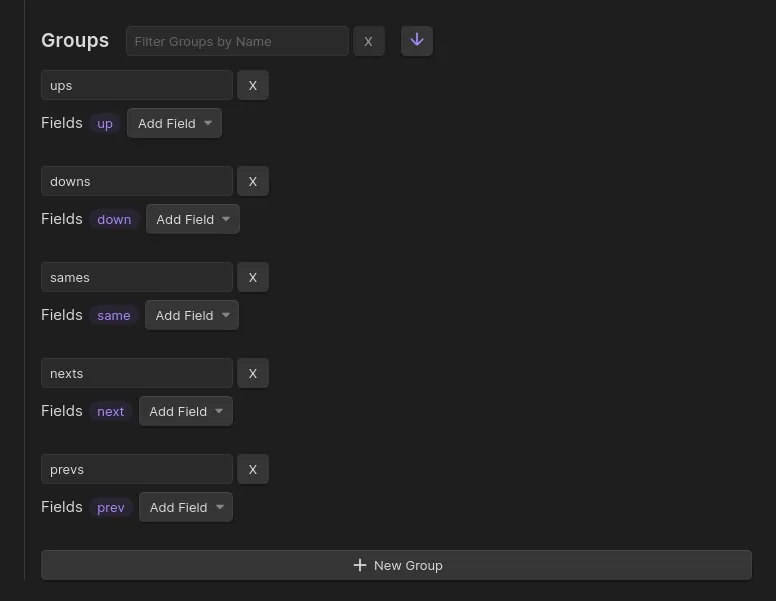
By default, Breadcrumbs comes with 5 groups, representing the directions: “up”, “same”, “down”, “next”, “previous”. If you add a new edge field, like parent, for example, you could put that field into the ups group, because it semantically points “upward” from the child note to the parent.
Similar to the edge fields, you can add/remove groups as you wish. They represent as much or as little as you want them to. They’re just a way to select multiple edge fields at once. They’re mainly used in the Views, to decide which fields are included.