Debugging
Log Levels
Section titled “Log Levels”Breadcrumbs lets you choose a log level in the settings (under Settings > Debug), to determine which console logs you want to be shown, and which to hide. In increasing order of importance:
- DEBUG: In-depth logs
- INFO: Not critical, but fewer than DEBUG
- WARN: Notifies of problems that can be recovered from
- ERROR: Unrecoverable errors
- FEAT: Some features exist specifically to log to the console (e.g. the graph stats command)
By default, all logs with the INFO level and higher will be shown.
Edge Build Errors
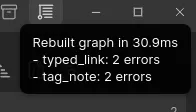
Section titled “Edge Build Errors”When you rebuild the graph, it’s possible the setup is invalid, so Breadcrumbs will warn you about these issues:
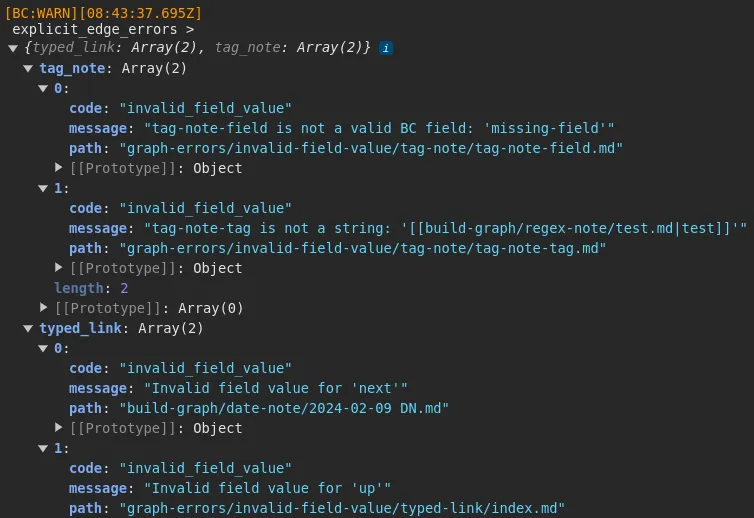
You can open the console (press Ctrl + Shift + I) to see a full, detailed list of the issues found: