Previous-Next View
The Previous-Next View shows the immediate previous and next neighbours of the current note.
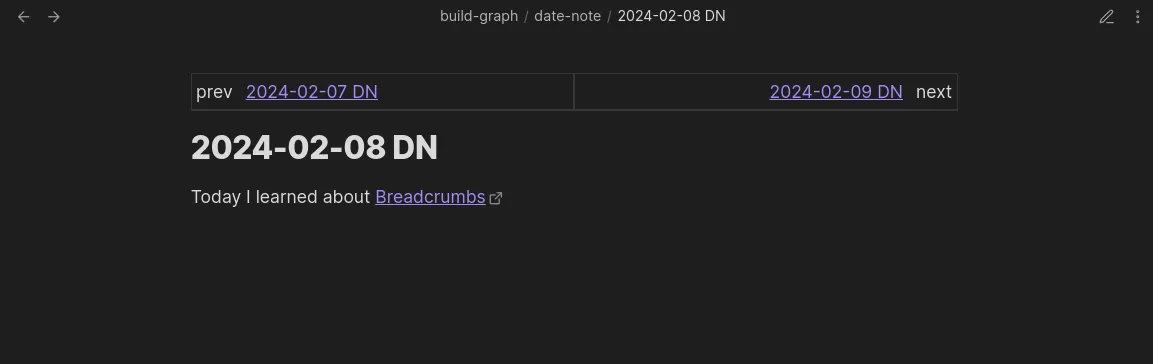
A common use-case for this view is to see your Daily Notes for yesterday and tomorrow from the current note. See the Layered Daily Notes guide for more details on this example.
Settings
Section titled “Settings”Change under Settings > Views > Page > Previous/Next
- Enable: Show/hide the Previous/Next View at the top of your notes
- Field Groups for Left: Choose which field groups are shown on the left (previous) side of the view. Defaults to the
prevsgroup. - Field Groups for Right: Choose which field groups are shown on the right (next) side of the view. Defaults to the
nextsgroup. - Note Display Options: Three toggles — Folder, Extension, and Alias — that control how note links are displayed in the view.
Period Rows
Section titled “Period Rows”When using Date Notes, you can optionally show extra rows in the Previous/Next View for larger time periods. Each row shows the previous/next neighbour for that period from the current note’s date.
- Week: Show a week-period row
- Month: Show a month-period row
- Quarter: Show a quarter-period row
- Year: Show a year-period row